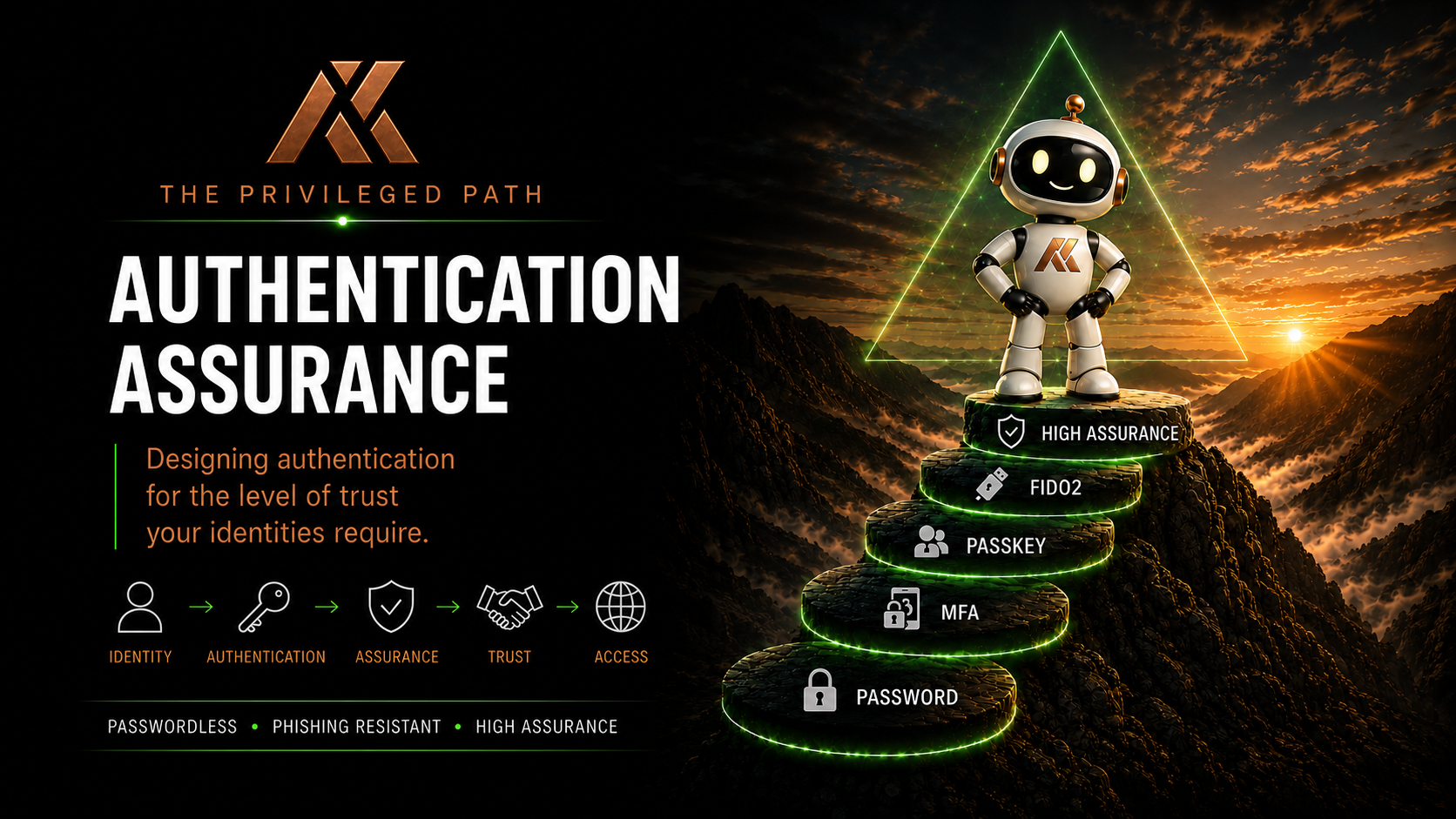
Bringing Authentication Assurance Together
Over the course of this series, we’ve covered a lot of ground.
Passwords.
MFA.
Passkeys.
FIDO2 security keys.
Authentication Strengths.
Conditional Access.
Temporary Access Pass.
Trust Levels.
Privileged identities.
Privileged Access Workstations.
PIM.
Bootstrap.
Recovery.
Each of these technologies and processes can improve security.
But Authentication Assurance isn’t really about any one of them.
It’s about answering a much more fundamental question:
How much confidence do I need that this identity really is who it claims to be before I allow it to do what it’s trying to do?
That’s the question that should drive the architecture.
Not:
Does the user have MFA?
Not:
Have we deployed passkeys?
Not even:
Are we phishing resistant?
Those are implementation questions.
Authentication Assurance starts with the identity, the access being requested and the potential impact if we’re wrong.
Authentication Isn’t Binary
For a long time, authentication architecture has effectively been binary.
The user either authenticated successfully or they didn’t.
Then MFA gave us another question:
Did the user complete a second factor?
That’s better.
But modern identity gives us the opportunity to ask much richer questions.
What authentication method did they use?
Is it phishing resistant?
Where is the credential stored?
Can it move between devices?
Is it dedicated to this identity?
What device is the user authenticating from?
What privilege does the identity hold?
What resource are they trying to access?
How was the authentication credential originally issued?
How could it be recovered?
Suddenly authentication isn’t simply:
Authenticated = Yes
It’s a collection of signals that give us different levels of confidence.
That’s Authentication Assurance.
Start With the Identity
The first mistake I think we make is starting with the technology.
We ask:
Should we deploy FIDO2?
or:
Should we use passkeys?
I’d start somewhere else.
What identity are we protecting?
A Global Administrator protecting an entire Microsoft 365 tenant has a very different impact profile from a standard workforce user.
An Exchange Administrator is different again.
A Helpdesk Administrator is different again.
This is why I’ve moved away from thinking purely in terms of traditional administrative tiers and towards a Trust Level model.
I explored this in more detail in From Tier 0 to Trust Levels: Rethinking Privileged Access for the Cloud Era.
The important point is simple:
The potential impact of an identity should influence the level of assurance we require from it.
The Trust Level Gives Us Context
Throughout this series, we’ve used four conceptual Trust Levels.
TL1 – Strategic Control
Identities capable of controlling the identity, security or strategic control plane.
Examples might include:
- Global Administrator
- Privileged Role Administrator
- Emergency Access identities
- Other highly privileged control-plane identities
Compromise at this level could have organisation-wide consequences.
TL2 – Service Administration
Identities capable of administering significant services.
For example:
- Exchange Administrator
- SharePoint Administrator
- Teams Administrator
These identities may not control the entire identity plane, but they can still have significant organisational impact.
TL3 – Operational Administration
Operational roles such as:
- Helpdesk Administrator
- Password Administrator
- Appropriately scoped User Administrator roles
These identities still require stronger controls than normal workforce identities, but the impact of compromise may be more constrained.
TL4 – Workforce
Standard workforce identities.
These identities still require strong authentication.
But applying exactly the same operational controls to every workforce identity that we apply to Global Administrators isn’t necessarily practical or proportionate.
The Trust Level therefore becomes the input into our Authentication Assurance decision.
Authentication Methods Aren’t a Hierarchy of Good and Bad
One of the themes running throughout this series has been that authentication methods shouldn’t simply be classified as:
Secure
or:
Insecure
Context matters.
A synced passkey can provide excellent phishing-resistant authentication for a workforce user.
That doesn’t automatically mean I want it protecting my Global Administrator.
Likewise, a Microsoft Authenticator device-bound passkey can provide an excellent balance of usability and security for many identities.
For TL1, however, I personally want stronger operational separation.
That’s why I favour a dedicated FIDO2 security key.
Not because every other passkey is insecure.
Because the operational assurance requirement is different.
Phishing Resistance Is the Starting Point, Not Always the Destination
Passkeys are a major improvement over passwords and traditional phishable authentication methods.
Microsoft’s current guidance describes passkeys as phishing-resistant credentials built on FIDO standards using origin-bound public-key cryptography.
You can read Microsoft’s technical overview in Passkeys (FIDO2) authentication method in Microsoft Entra ID.
But throughout this series, I’ve deliberately separated:
Phishing resistance
from:
Authentication Assurance
Phishing resistance tells us something extremely important about the authentication method.
It doesn’t necessarily tell us everything about how that credential should be used operationally.
For high-impact identities, I may also care about:
- Whether the authenticator is dedicated
- Whether the credential can move between devices
- Whether the authenticator type is approved
- How the authenticator was issued
- How it can be recovered
- What device it can be used from
- Whether the identity is separated from normal productivity activity
That’s why two phishing-resistant credentials may still provide different levels of operational assurance for a particular identity.
My Authentication Assurance Model
If I were starting an Authentication Assurance strategy, my initial model might look something like this:
| Trust Level | Identity | Authentication | Device | Privilege |
|---|---|---|---|---|
| TL1 – Strategic Control | Dedicated privileged identity | Dedicated FIDO2 security key | Dedicated PAW | PIM / JIT |
| TL2 – Service Administration | Dedicated administrative identity | FIDO2 preferred, approved device-bound passkey where appropriate | PAW / vPAW | PIM / JIT |
| TL3 – Operational Administration | Dedicated or appropriately separated admin identity | Approved phishing-resistant authentication | Managed administrative device | Scoped / eligible privilege |
| TL4 – Workforce | Standard workforce identity | Passkey / passwordless / appropriate modern MFA | Managed device | Standard user access |
This is not a Microsoft-prescribed framework.
It’s an example of how I think about aligning authentication with the potential impact of an identity.
Your organisation may make different decisions.
That’s fine.
The important thing is that the decision is deliberate.
Where Synced Passkeys Fit
Synced passkeys deserve particular attention because they’re extremely useful.
For workforce authentication, they can provide a fantastic user experience.
The credential can be available across a user’s ecosystem without requiring them to manually register a new authenticator on every device.
For TL4, I can absolutely see the value.
For privileged identities, however, my position changes.
For TL1, I wouldn’t use synced passkeys.
Not because I think the cryptography is inherently weak.
Because I want the privileged credential to have a deliberate operational boundary.
For TL2, I’d also generally favour a dedicated FIDO2 key where budget and operational capability allow.
For TL3, the decision becomes more contextual.
Again:
The authentication technology may be secure while still not being the authentication architecture I want for a particular identity.
Authentication Strength Turns Architecture Into Enforcement
Once we’ve decided what authentication methods are appropriate, we need to enforce that decision.
This is where Microsoft Entra Authentication Strengths become incredibly useful.
Instead of simply requiring:
MFA
we can require:
The authentication methods we’ve decided provide the appropriate level of assurance.
Microsoft Entra provides built-in Authentication Strengths and allows custom strengths to be created.
Custom Authentication Strengths can also apply additional restrictions to passkeys, including restricting authenticators using AAGUIDs.
Microsoft documents these capabilities in Create and manage custom Conditional Access Authentication Strengths.
Our model therefore becomes:
Identity → Trust Level → Authentication Assurance → Authentication Strength
Conditional Access then provides the policy enforcement.
Conditional Access Adds Context
Authentication Strength tells us which authentication methods are acceptable.
Conditional Access lets us add context around that decision.
We can consider things such as:
- Identity
- Resource
- Device
- Location
- Risk
- Authentication Strength
- Session conditions
This means we’re no longer simply saying:
Global Administrators must use MFA.
We can move towards:
TL1 administrators accessing privileged resources must authenticate using the approved TL1 Authentication Strength from an appropriately controlled administrative device.
That’s a much more meaningful control.
Microsoft explains how Authentication Strengths are evaluated within Conditional Access in How Conditional Access Authentication Strengths work.
But How Does the User Get the Credential?
Then we hit the chicken-and-egg problem.
We’ve decided the administrator must use FIDO2.
We’ve configured our Authentication Strength.
We’ve created Conditional Access.
There’s just one problem.
The administrator doesn’t have the FIDO2 credential yet.
They need to register it.
And registration itself is a security-sensitive action.
This is why Temporary Access Pass is such an important part of Authentication Assurance.
TAP provides temporary trust so that we can establish permanent authentication.
For a TL1 administrator, that journey might be:
Verify Identity → Issue TAP → Register Dedicated FIDO2 Key → Validate FIDO2 → TAP No Longer Required
For a workforce user:
Verify Identity → Issue TAP → Register Passkey → Validate Passkey → TAP No Longer Required
The TAP isn’t the destination.
It’s the bridge.
Microsoft documents the technical configuration and supported scenarios in Configure Temporary Access Pass to register passwordless authentication methods.
Single-Use and Multi-Use Are Architectural Decisions
Part 7 also highlighted something important.
It’s tempting to think:
Single-use TAP = secure
and:
Multi-use TAP = less secure
But that’s too simplistic.
If I’m sitting with a TL1 administrator who has their dedicated FIDO2 key ready:
Generate TAP → Register Key → Done
Single-use is ideal.
The same can work beautifully when registering a Microsoft Authenticator passkey.
But a more complicated onboarding journey might require several authentication events.
Device enrolment.
Windows Hello registration.
Security Info.
Passkey registration.
In that scenario, a multi-use TAP with a carefully controlled lifetime may actually create a better overall security outcome than repeatedly forcing the user back through Helpdesk recovery.
This is a recurring theme:
Don’t configure the control first and force the journey to fit it. Understand the journey, then configure the control.
Credential Lifecycle Is Part of Assurance
Perhaps the most important thing TAP taught us is that Authentication Assurance starts before authentication happens.
How was the person’s identity established?
Who authorised creation of the identity?
How was the authenticator issued?
Who generated the TAP?
How was it delivered?
How was registration validated?
And the same questions continue after registration.
What happens when the authenticator is lost?
How do we verify the user?
Who can issue a replacement?
What happens to the lost credential?
How is access revoked when the person leaves?
That gives us another dimension of Authentication Assurance:
Identity Proofing → Bootstrap → Registration → Authentication → Recovery → Replacement → Revocation
This lifecycle is every bit as important as the authentication method itself.
Because:
The assurance of a credential starts before the credential exists.
Recovery Can Be Your Weakest Authentication Method
This is particularly important for privileged identities.
Imagine requiring a dedicated FIDO2 security key for every Global Administrator.
Excellent.
Then imagine the recovery process is:
“Phone the Helpdesk and ask for a new TAP.”
We’ve potentially undermined the entire architecture.
If an attacker can’t steal the FIDO2 key but can socially engineer the recovery process, the recovery process becomes the easier attack path.
The effective assurance of the identity is therefore constrained by the weakest route through which its authentication credentials can be established or replaced.
That’s why recovery belongs inside Authentication Assurance.
It isn’t simply a Helpdesk process.
Authentication Assurance Doesn’t Stop at Authentication
For privileged identities, authentication is only one layer.
Part 8 brought the wider privileged path together.
A TL1 administrator might have:
Dedicated Administrative Identity
↓
Dedicated FIDO2 Security Key
↓
TL1 Authentication Strength
↓
Conditional Access
↓
Privileged Access Workstation
↓
PIM Role Activation
↓
Administrative Resource
↓
Monitoring
Each control addresses a different problem.
Authentication tells us something about the person.
The authenticator provides phishing resistance and operational separation.
The PAW gives us confidence in the endpoint.
Conditional Access evaluates the context.
PIM limits standing privilege.
Monitoring tells us what happened.
No individual control provides high assurance.
The path does.
Privilege Should Match the Task
PIM adds another important dimension.
Even after we’ve strongly authenticated an administrator, they shouldn’t automatically have every privilege available permanently.
Microsoft Entra Privileged Identity Management allows eligible administrators to activate roles when required rather than necessarily holding them permanently.
Microsoft’s current PIM guidance is available in Plan a Privileged Identity Management deployment.
But just-in-time access is only useful if we’re activating the right privilege.
If an administrator needs to perform an Exchange task, they shouldn’t automatically activate Global Administrator.
If they need to perform a SharePoint task, they should use the appropriate SharePoint role.
The authentication may establish who the administrator is.
Least privilege determines what they’re allowed to do.
Authentication Assurance and privilege management therefore need to work together.
The Two Dimensions of Authentication Assurance
At this point, I think we can describe Authentication Assurance using two connected dimensions.
The Access Path
This asks:
What confidence do we require for this access decision?
The model becomes:
Identity
↓
Trust Level
↓
Authentication Method
↓
Authentication Strength
↓
Device
↓
Conditional Access
↓
Privilege
↓
Resource
This describes the path to access.
The Credential Lifecycle
This asks:
Why do we trust the credential being presented?
The model becomes:
Identity Proofing
↓
Bootstrap
↓
Registration
↓
Authentication
↓
Recovery
↓
Replacement
↓
Revocation
This describes the lifecycle of trust.
You need both.
A beautifully designed access policy can still be undermined by a weak credential lifecycle.
And an impeccably controlled FIDO2 issuance process doesn’t help if Conditional Access allows the administrator to fall back to a weaker authentication method.
Authentication Assurance sits across both.
A Practical Authentication Assurance Matrix
Putting everything together, my starting position might look something like this:
| Control | TL1 | TL2 | TL3 | TL4 |
|---|---|---|---|---|
| Identity | Dedicated | Dedicated | Dedicated / separated | Workforce |
| Preferred authentication | Dedicated FIDO2 key | FIDO2 / approved device-bound passkey | Device-bound phishing-resistant method | Passkey / passwordless |
| Synced passkey | No | Generally avoid | Risk decision | Appropriate |
| Authentication Strength | Custom high assurance | Custom / phishing resistant | Phishing resistant | Passwordless / appropriate MFA |
| Administrative device | Dedicated PAW | PAW / vPAW | Managed administrative device | Managed endpoint |
| Privilege | PIM / JIT | PIM / JIT | Scoped / eligible | N/A |
| Bootstrap | Controlled TAP | Controlled TAP | TAP | TAP |
| Recovery | High-assurance verified recovery | Strong verified recovery | Verified recovery | Standard controlled recovery |
| Monitoring | Extensive | High | Appropriate | Standard |
Again:
This isn’t a Microsoft framework.
It’s my example of how the principles we’ve explored throughout this series can be translated into an operating model.
Your environment may require stronger controls.
Or different controls.
A regulated environment may mandate dedicated physical PAWs for certain identities.
A smaller organisation may decide that virtual PAWs and device-bound passkeys provide an appropriate balance for some administrative roles.
Budget matters.
Operational maturity matters.
Regulation matters.
Risk appetite matters.
What shouldn’t change is the process of asking:
What level of assurance does this identity actually require?
Don’t Confuse Maximum Security With Good Architecture
There’s a temptation in security to assume the strongest possible control should always be applied.
Every administrator gets two FIDO2 keys.
Every administrator gets a physical PAW.
Every TAP lasts ten minutes.
Every role requires approval.
Every authentication requires the strongest possible Authentication Strength.
That might sound secure.
It might also create an environment so operationally difficult that people spend their time finding ways around it.
Good security architecture isn’t about creating maximum friction.
It’s about creating appropriate assurance.
TL1 should be difficult to compromise because the potential impact is enormous.
TL4 should still be strongly protected, but we also need authentication that works for thousands or tens of thousands of people every day.
Security architecture has to survive contact with the real organisation.
Don’t Start With the Product
If there’s one practical recommendation I’d make after this entire series, it’s this:
Don’t begin your Authentication Assurance programme by opening the Microsoft Entra admin centre.
Start with the identities.
Ask:
What identities do we have?
What can they do?
What would happen if they were compromised?
What Trust Level should they belong to?
Then ask:
What level of authentication assurance does that Trust Level require?
Only then should we start selecting:
- Authentication methods
- Authentication Strengths
- Conditional Access policies
- Devices
- PIM controls
- TAP configuration
- Recovery processes
The technology should implement the architecture.
The technology shouldn’t define it.
Authentication Assurance Is a System
This is ultimately where the series has led.
Authentication Assurance isn’t a feature you enable in Microsoft Entra.
It isn’t a licence.
It isn’t an Authentication Strength.
It isn’t a passkey.
It isn’t a FIDO2 security key.
And it isn’t a Conditional Access policy.
It’s the confidence produced by all of those controls working together.
That confidence comes from understanding:
The identity.
The authenticator.
The device.
The privilege.
The resource.
The credential lifecycle.
The recovery process.
And the potential impact when something goes wrong.
The Question I Want You to Ask
The next time somebody says:
“The account has MFA.”
I’d ask another question:
What level of assurance does that MFA actually provide for this identity?
If it’s a workforce identity accessing normal productivity services, the answer may be perfectly appropriate.
If it’s a Global Administrator controlling the organisation’s identity plane, perhaps we need to ask a few more questions.
What authenticator?
What device?
What Authentication Strength?
What privilege?
How was the credential registered?
How is it recovered?
What happens if it’s compromised?
Those questions lead us towards a much more mature identity architecture.
Final Thoughts
Modern authentication has moved far beyond passwords and SMS codes.
Passkeys and FIDO2 give us incredibly strong phishing-resistant authentication.
Microsoft Entra gives us Authentication Strengths, Conditional Access, Temporary Access Pass and Privileged Identity Management to build sophisticated identity controls around them.
But deploying those technologies isn’t the objective.
Assurance is.
The goal isn’t to deploy the strongest authentication method everywhere.
The goal is to understand what you’re protecting, understand the potential impact if that identity is compromised, and apply the right level of assurance to the right identity.
Sometimes that means a synced passkey.
Sometimes it means a device-bound Microsoft Authenticator passkey.
Sometimes it means a dedicated FIDO2 security key.
Sometimes it means a dedicated administrative identity, a PAW, PIM and a tightly controlled recovery process.
There isn’t one authentication method that solves every problem.
There shouldn’t be.
Because not every identity represents the same level of risk.
That’s the point of Authentication Assurance.
Authentication is an event. Authentication Assurance is an architecture.
Comments
No comments yet — be the first to leave one below.